
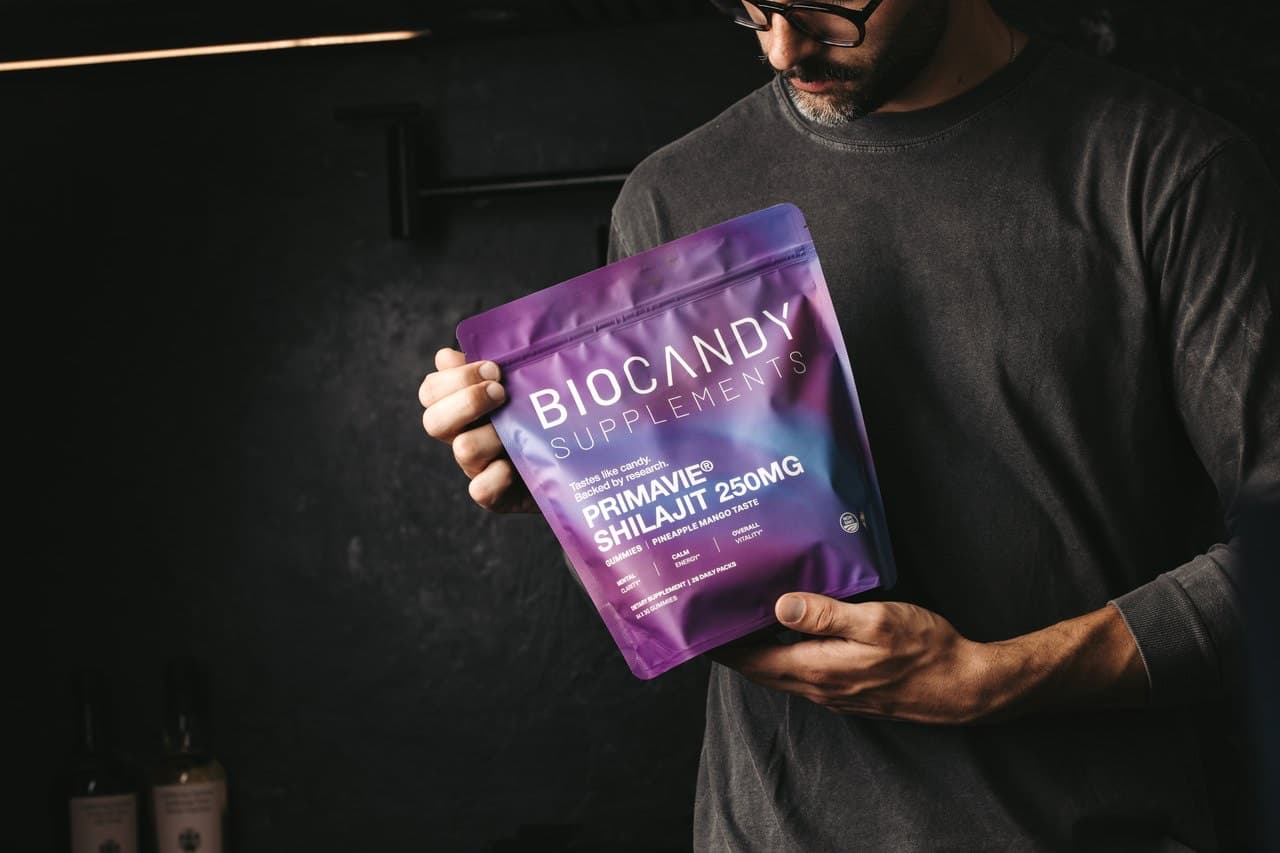
PrimaVie® Shilajit · Pineapple Mango
Supplements that taste like Candy.
The best-tasting, science-backed supplements in gummy format. No compromise on flavor, no compromise on efficacy.
4.8 · 3,000+ verified reviews


Over 3,000 Satisfied
Customers and Counting
Finally a shilajit I'll actually keep taking
I've tried the resin and gave up in three days, it's vile. This tastes like a candy and the energy is genuinely steadier by mid-morning. Three weeks in and I'm a subscriber.
The dose is on the label, that's why I bought it
Most gummies hide behind a 'blend'. 250 mg PrimaVie® and a third-party test: that's the whole reason I switched. Bonus that it's pineapple mango.
Tastes unreal for what it is
Was skeptical that shilajit could taste good. It does. Energy without jitters, and I love that it's vegan with no artificial colors.
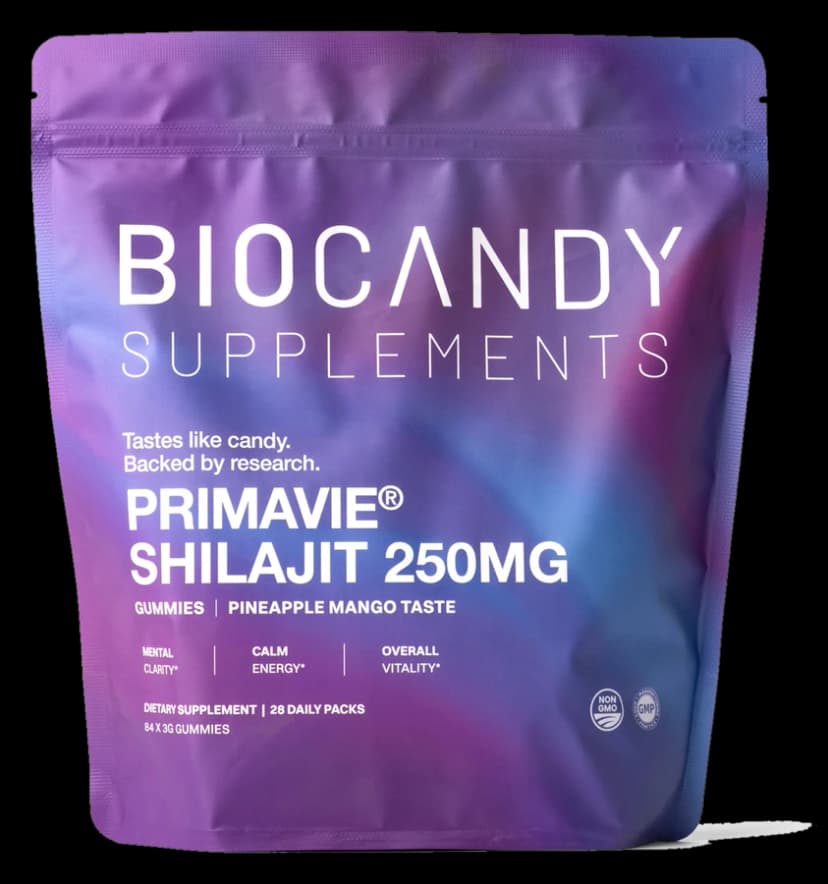
PrimaVie® Shilajit 250 mg
A purified, clinically studied form of shilajit, rich in fulvic acid and trace minerals, in a Pineapple Mango gummy you'll actually crave.
Mental Clarity*
Supports focus and cognitive sharpness throughout the day.
Sustained Energy*
Steady, jitter-free energy without caffeine.
Exercise Recovery*
Supports post-training recovery and daily mineral replenishment.
Fulvic acid & minerals
Rich in fulvic acid and trace minerals for nutrient absorption.*
*See the FDA disclaimer in the footer.
From $52.49 $69.99 with subscription · about $1.87/day
84 gummies · 28 daily packs · 1-month supply per pouch
Subscribe & save up to 35% · 30-day money-back guarantee · Free shipping on every order
92% of supplement users are deficient in key nutrients.
Sporadic consumption gets in the way of long-term daily health.
BioCandy transforms powerful supplements into candy-like gummies so Bio-Hackers look forward to taking supplements every day.
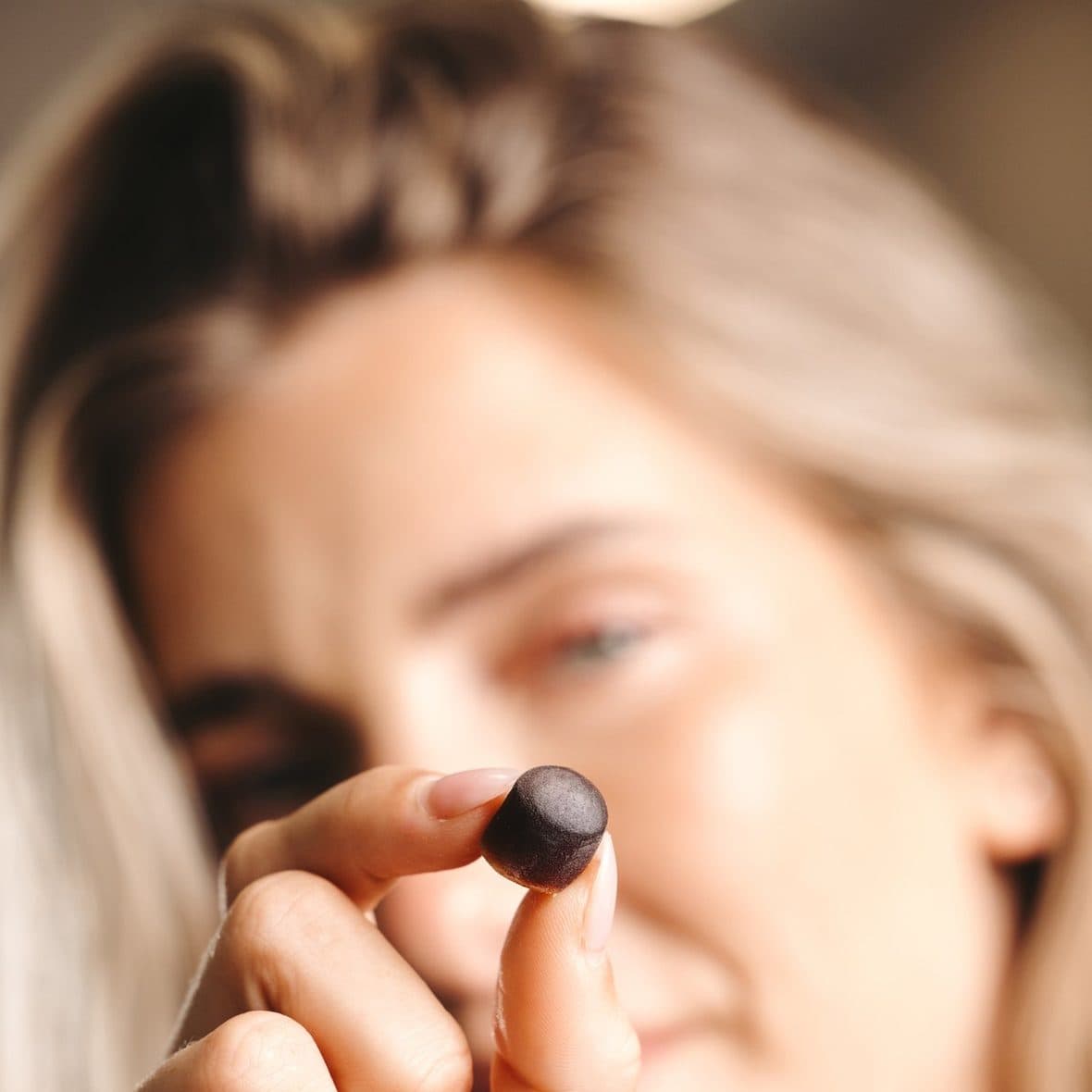
Real Results.
Real Flavor.
Designed to support mental clarity*, sustained energy*, and exercise recovery*.
Mental Clarity*
Supports focus and cognitive sharpness throughout the day.
Sustained Energy*
Steady, jitter-free energy without caffeine.
Exercise Recovery*
Supports post-training recovery and daily mineral replenishment.
*See the FDA disclaimer in the footer.

How it works
A nutritional ritual you actually look forward to.
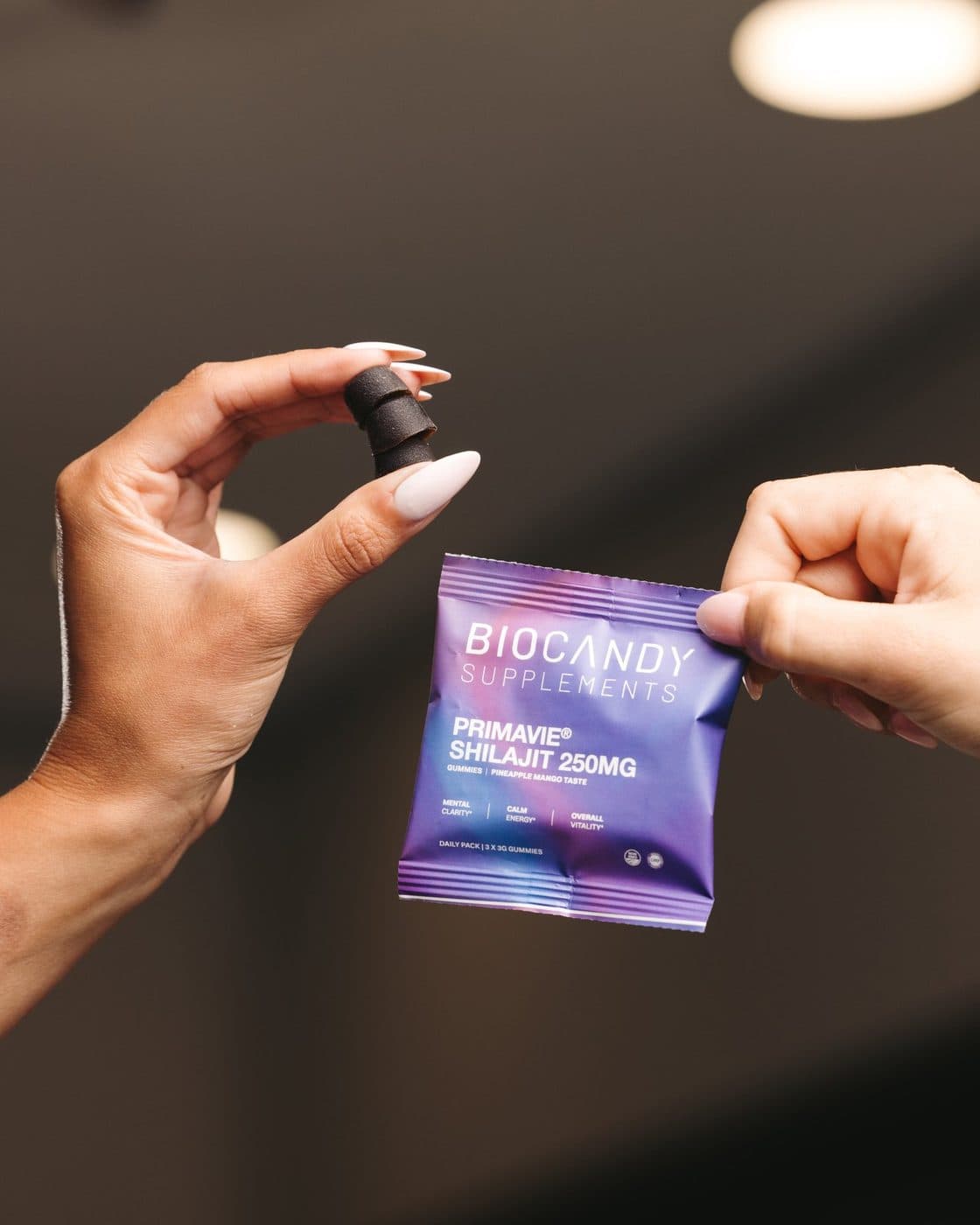
Open your pack
One daily pack, three gummies. No bottles to rattle, no scoops to measure. Tear it open wherever your day starts.
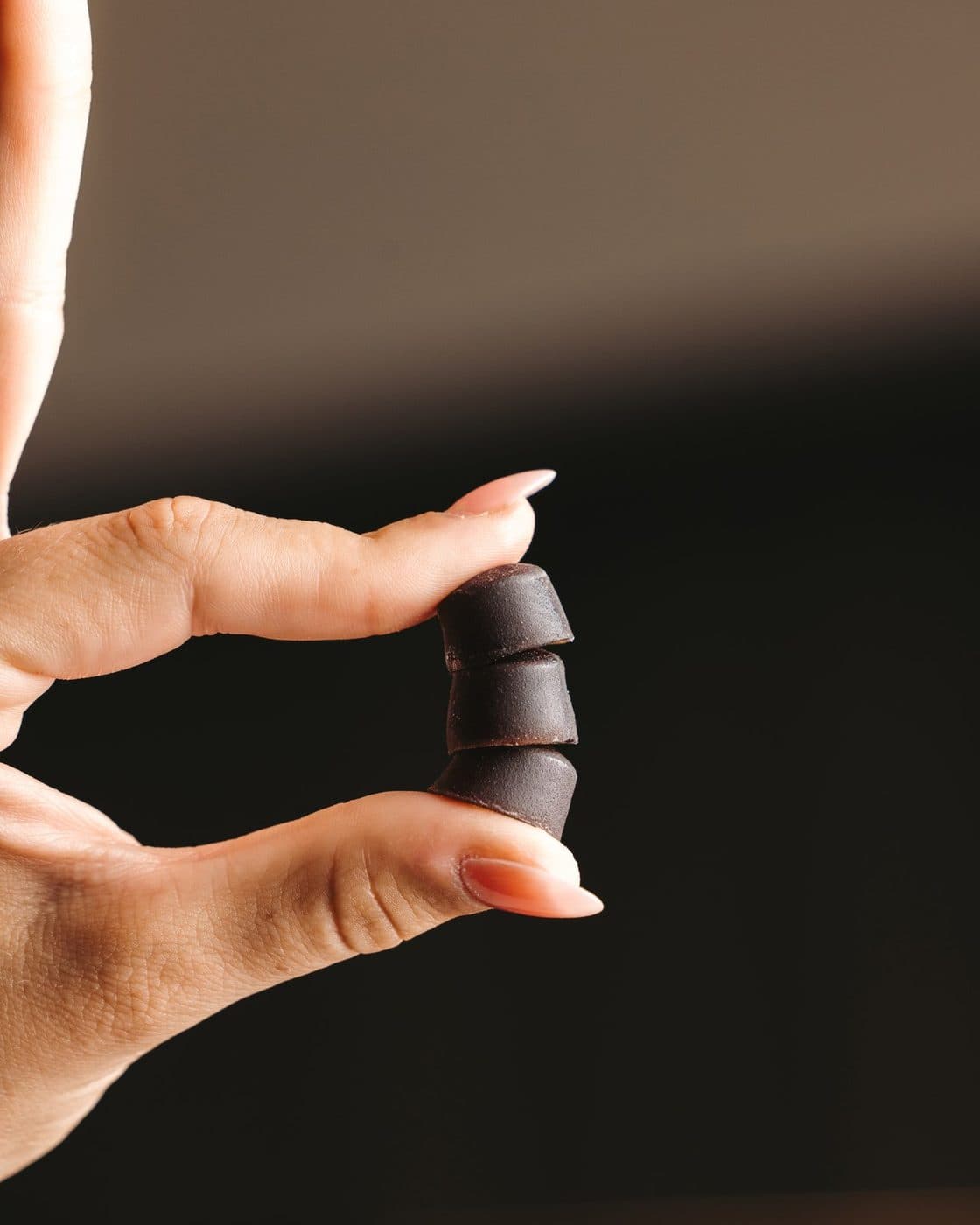
Take your daily gummies
Chew your three Pineapple Mango gummies. With food or without, same time each day for the full effect.
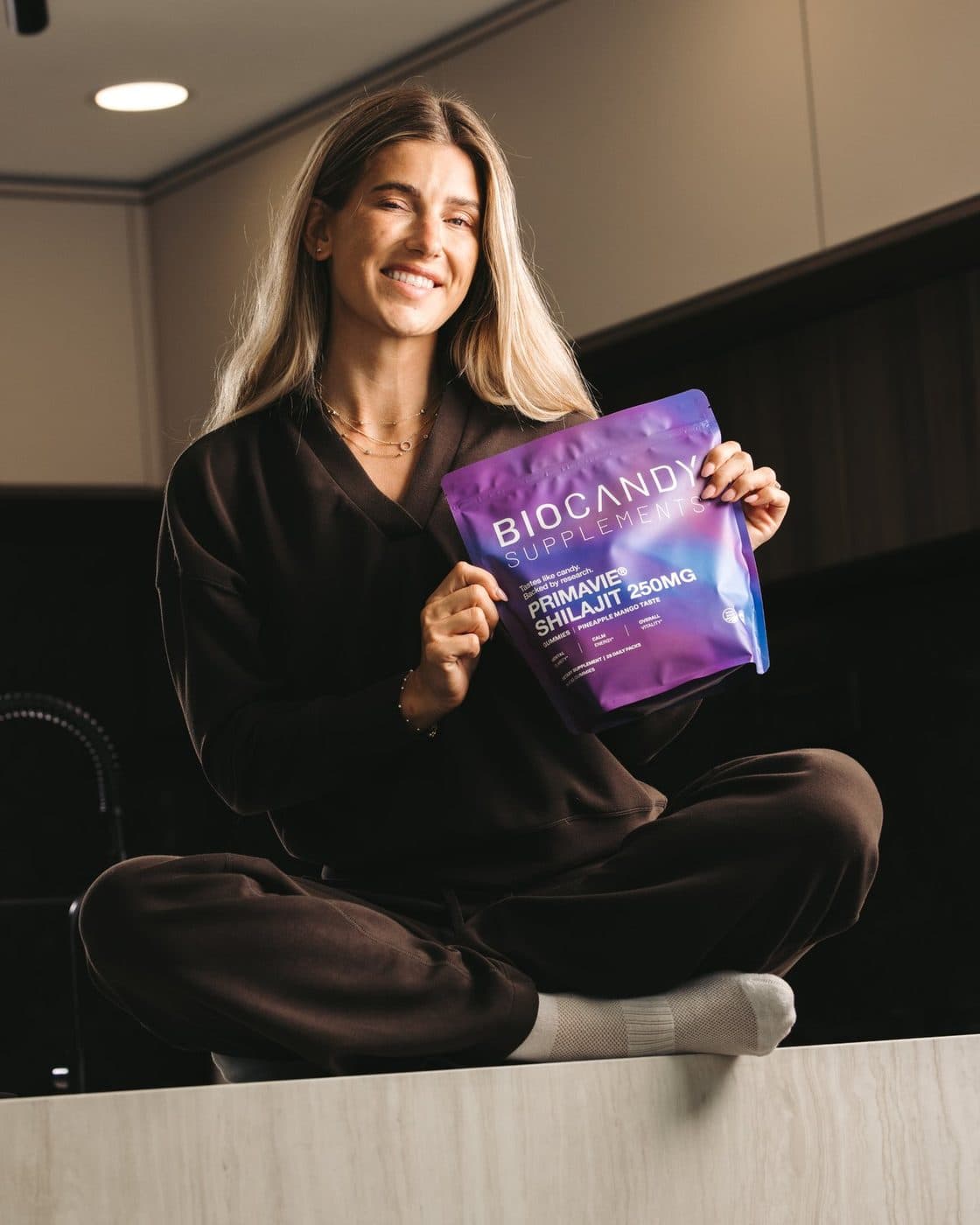
Thrive and enjoy
Consistency does the heavy lifting. Day after day, the ritual sticks because it tastes like candy.
Keep the ritual, or get your money back.
Every order is covered by a 30-day money-back guarantee. If BioCandy isn't the easiest supplement you take, email help@biocandy.com and we'll refund your last order. No hoops, no hassle.
- Subscriber discount for life
- Free shipping on every subscription order
- Pause, skip or cancel anytime
- 30-day money-back guarantee
Join The Bio-Hacking Community
BioCandy is building a smarter kind of biohacking routine, one that feels good enough to actually stick with. Join our email community for simple stack ideas, ingredient spotlights, and first access to new drops, limited runs, and member-only perks.